StorySeed
Spread out on your PC.
Keep going on your phone.
A writing studio for web novel serials that run for hundreds of episodes. It opens right in your browser, and your manuscript is saved to your own Google Drive. StorySeed is available in Korean.
A studio you can
spread out in.
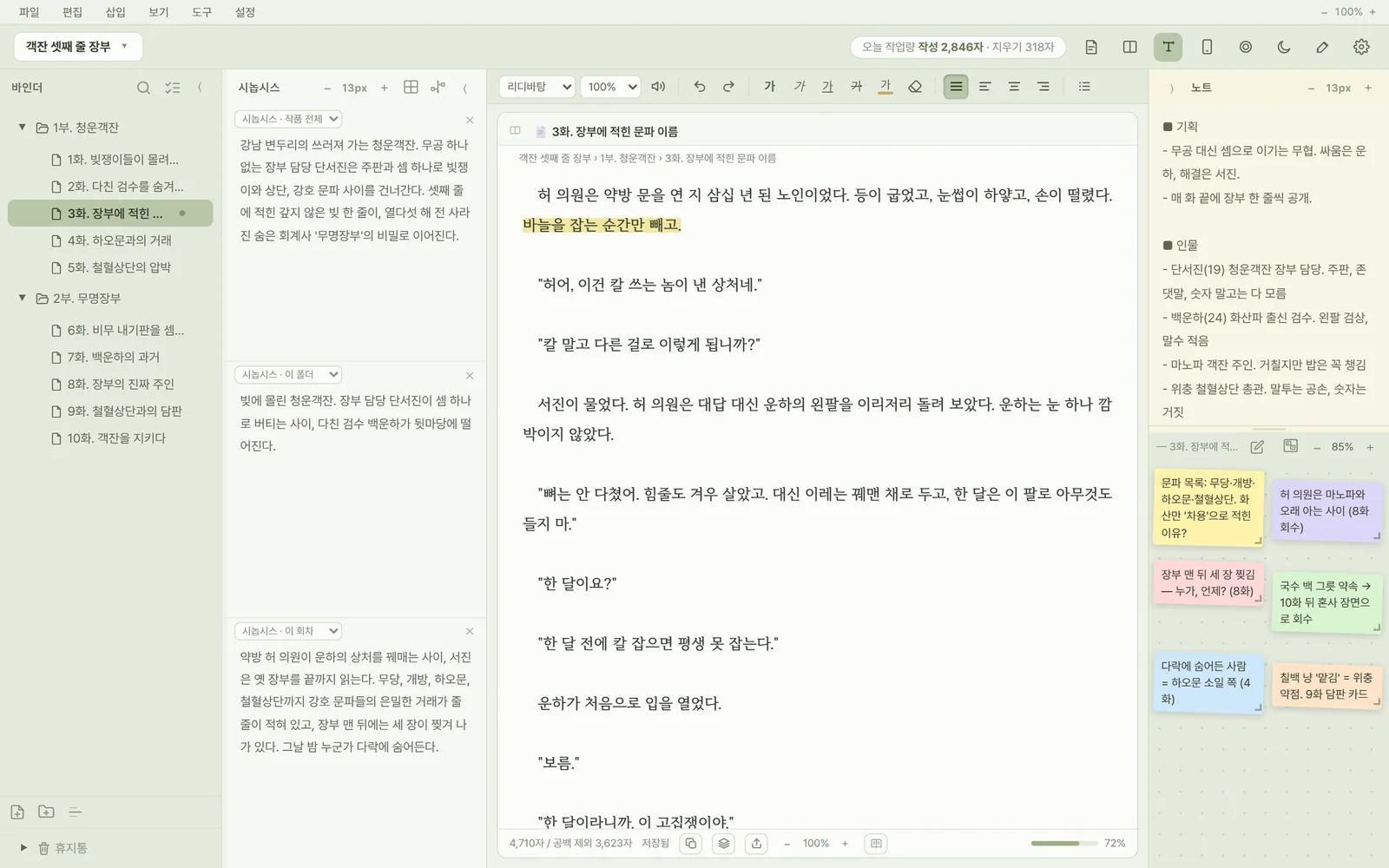
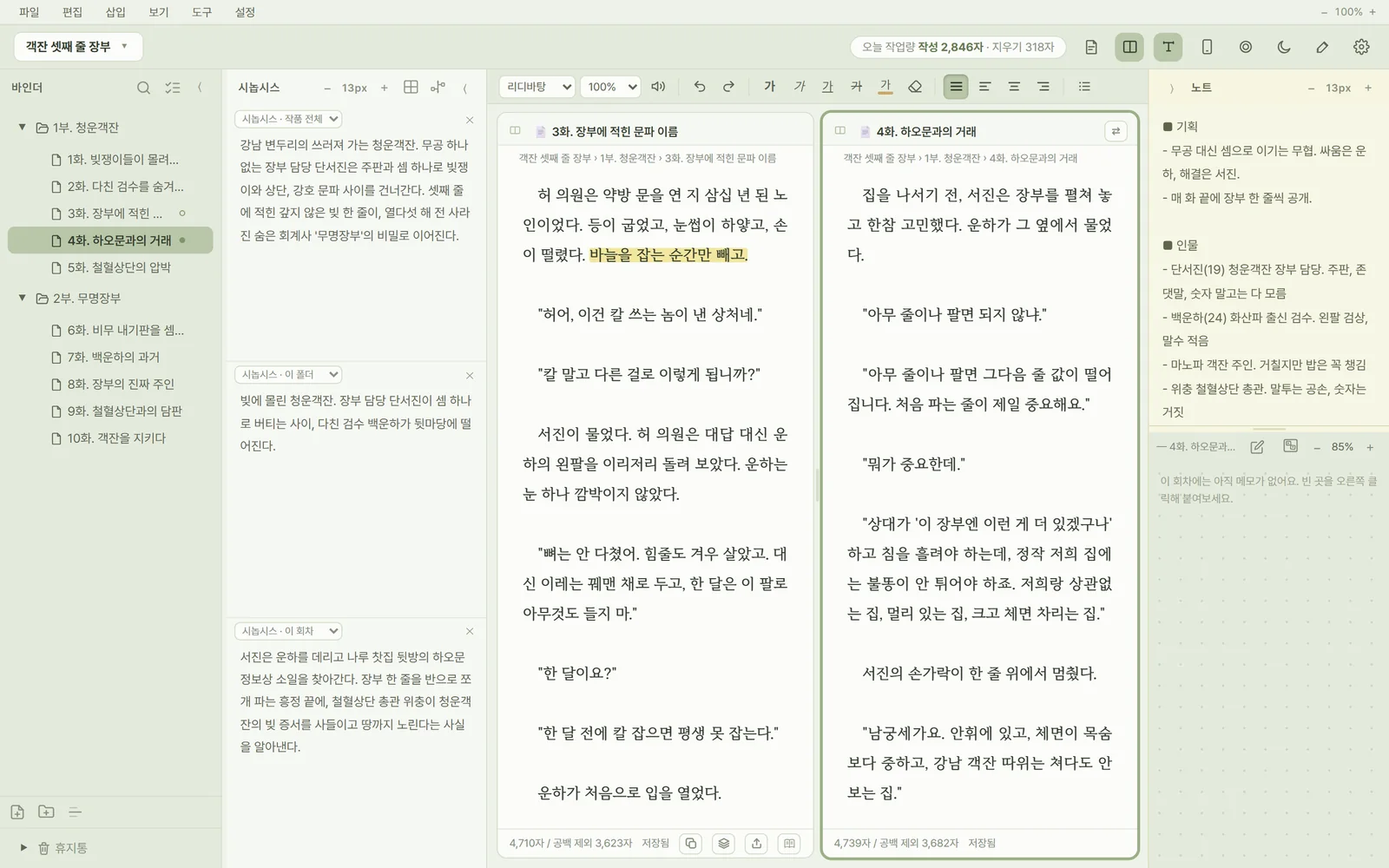
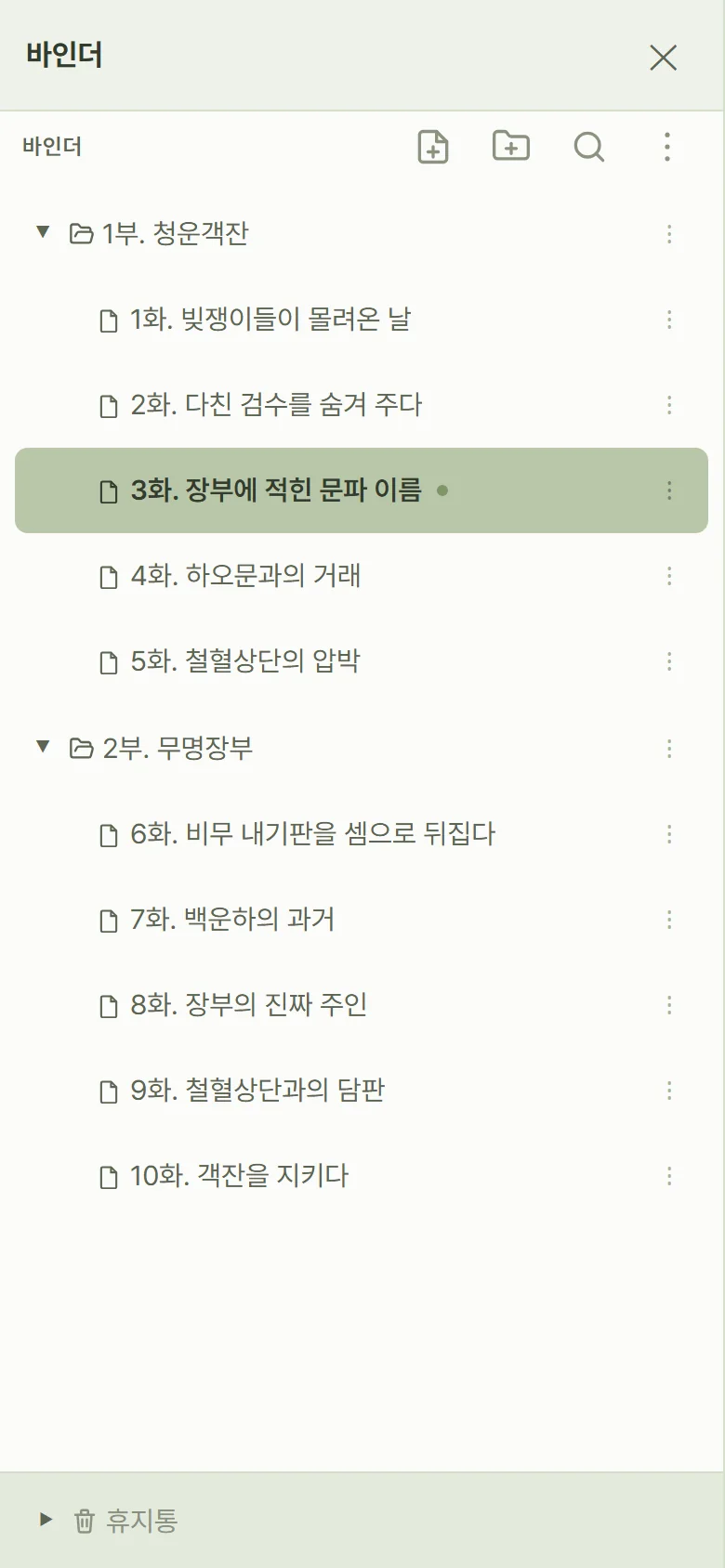
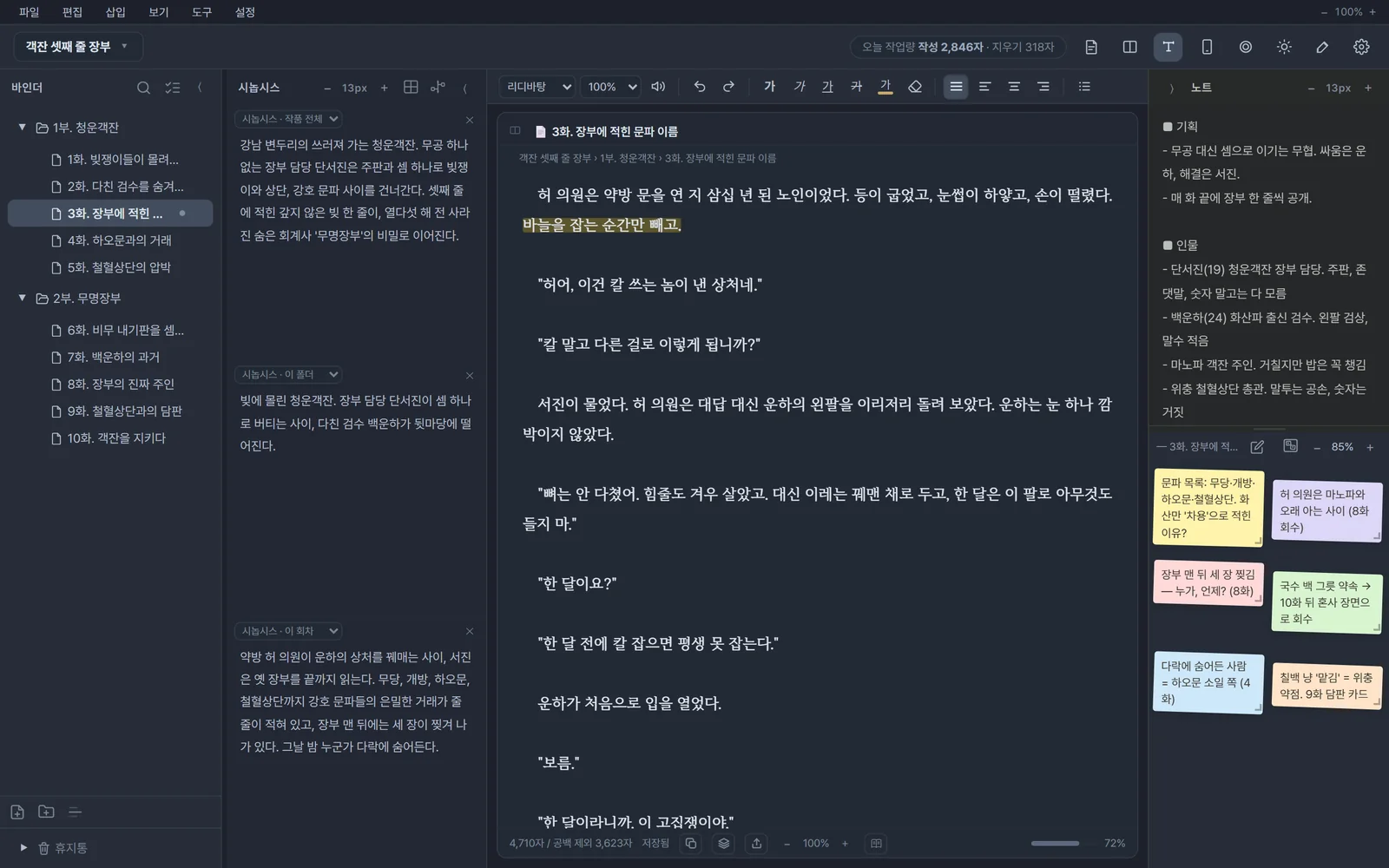
Keep your synopsis and notes open beside you, and split the manuscript in two to see neighboring episodes together. Even after hundreds of episodes, everything stays tidy in folders and episodes.
- BinderFolders, episodes and dividers, with drag-and-drop and multi-select
- Split synopsisWhole work, this folder, this episode and the previous episode, in up to four panes
- Split viewTwo manuscripts side by side, each tab remembering its cursor
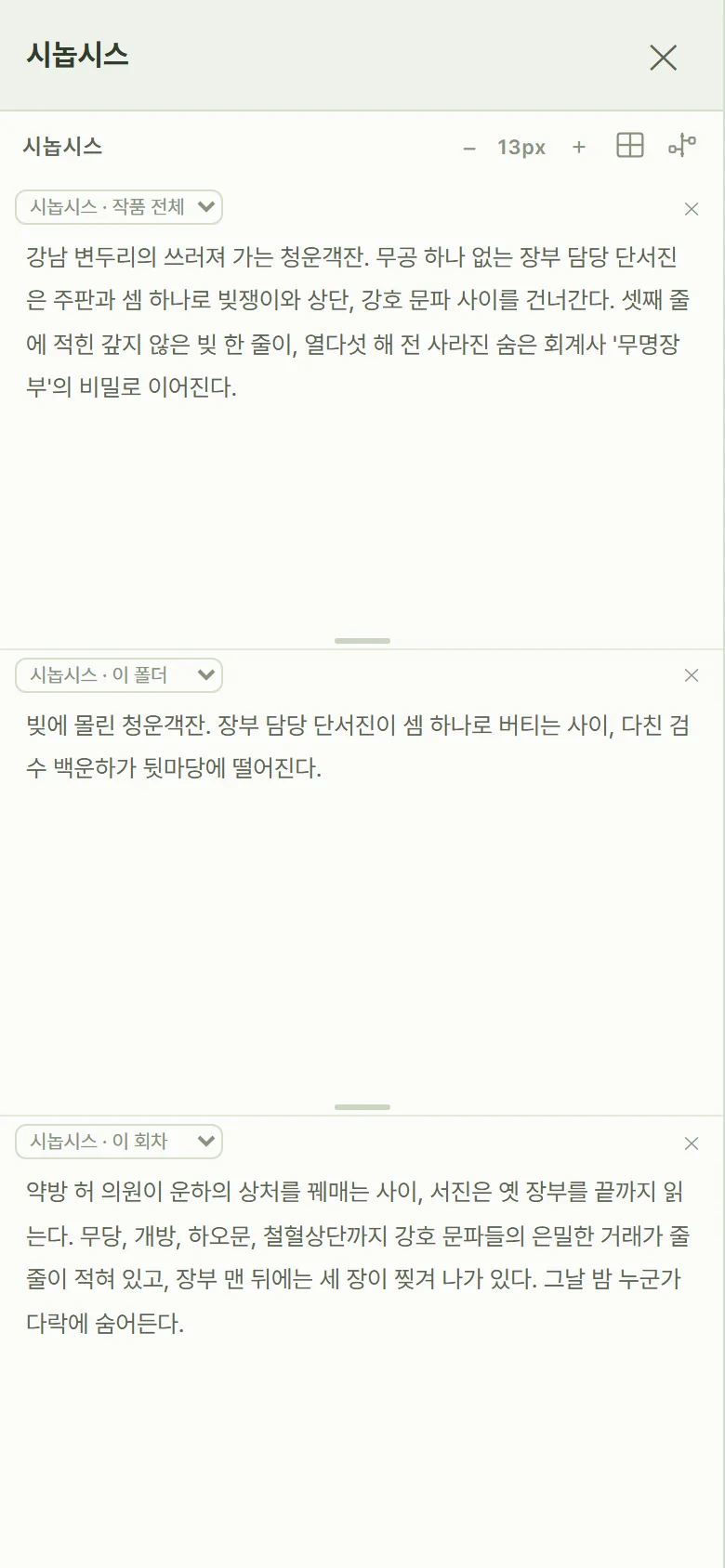
Focus mode:
just the manuscript.
Clear away the menus and the binder and keep only the manuscript in the middle. When you need the flow, float your synopsis and notes beside it, semi-transparent.
- Typewriter scrollingThe line you're writing always stays in the middle of the screen
- Tune it to your eyesPage width, text size, page and background color, and brightness, right there
- Manuscript onlyA lighter mode that just folds the panels away
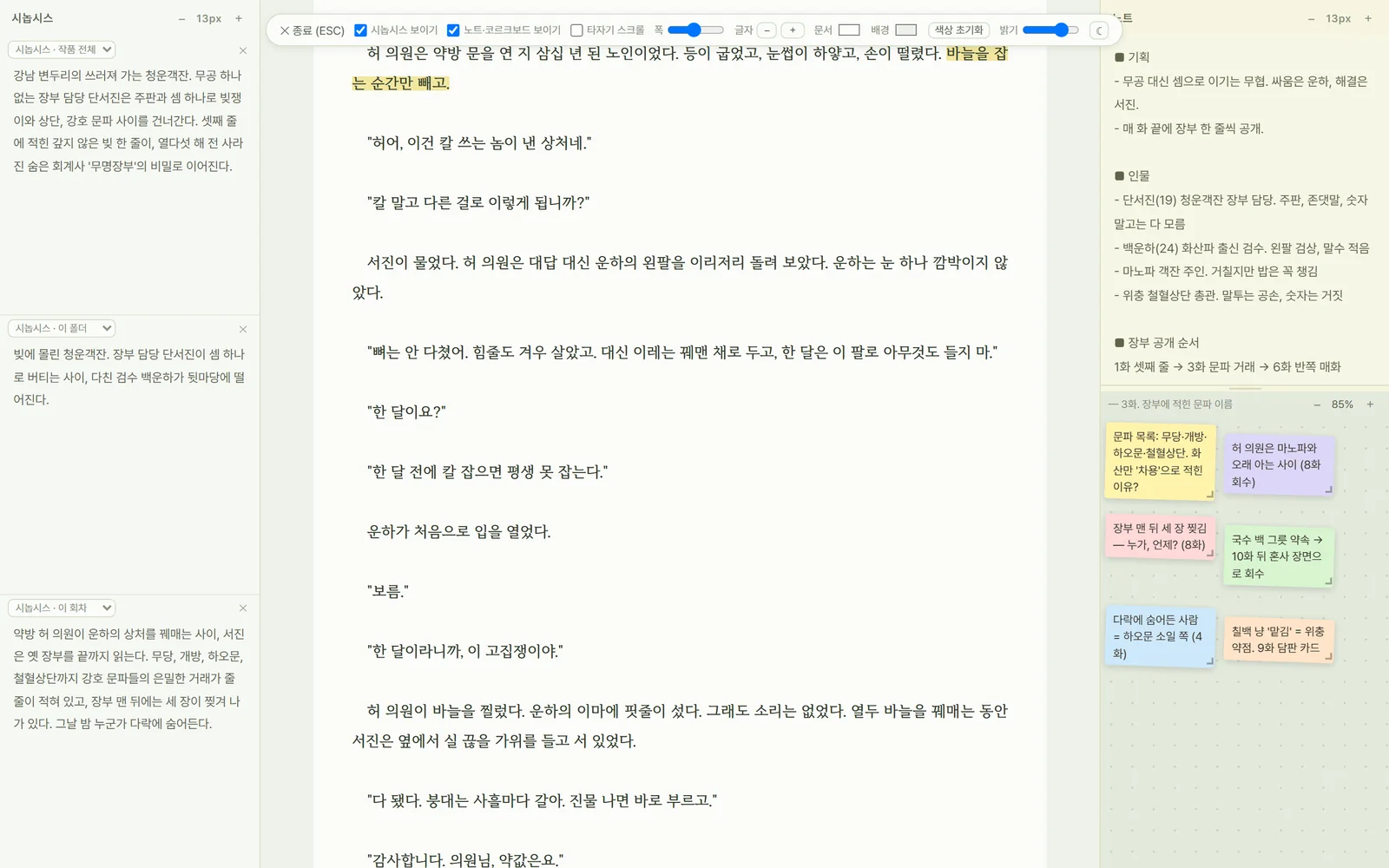
Pin your world-building
like sticky notes.
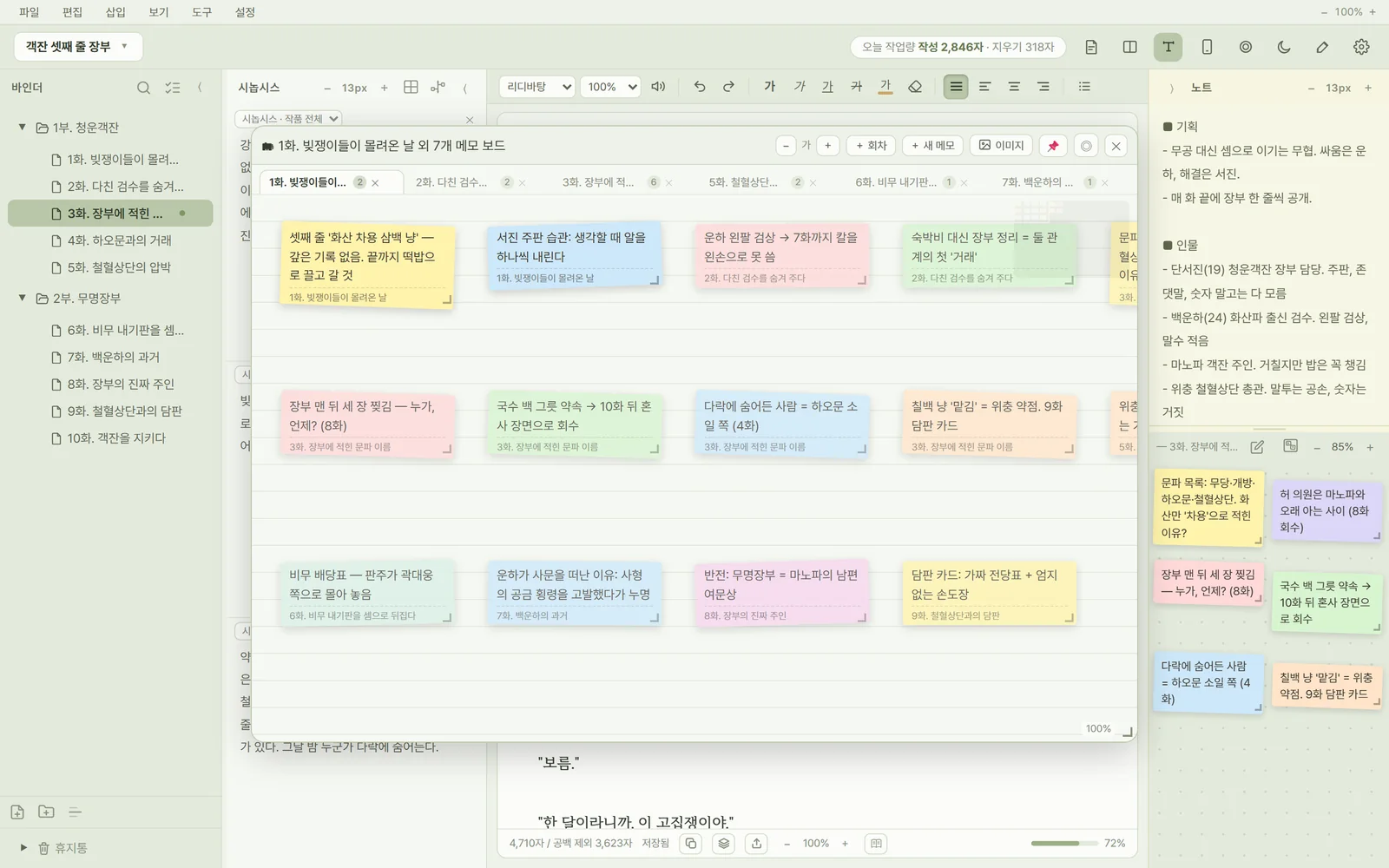
Pin notes to an episode and they appear on the corkboard next to the manuscript. Open the memo board to gather notes from many episodes on one board and rearrange them.
- Memo boardA tab per episode, free placement, a minimap
- Colors and imagesTen preset colors or any color you like, plus image notes
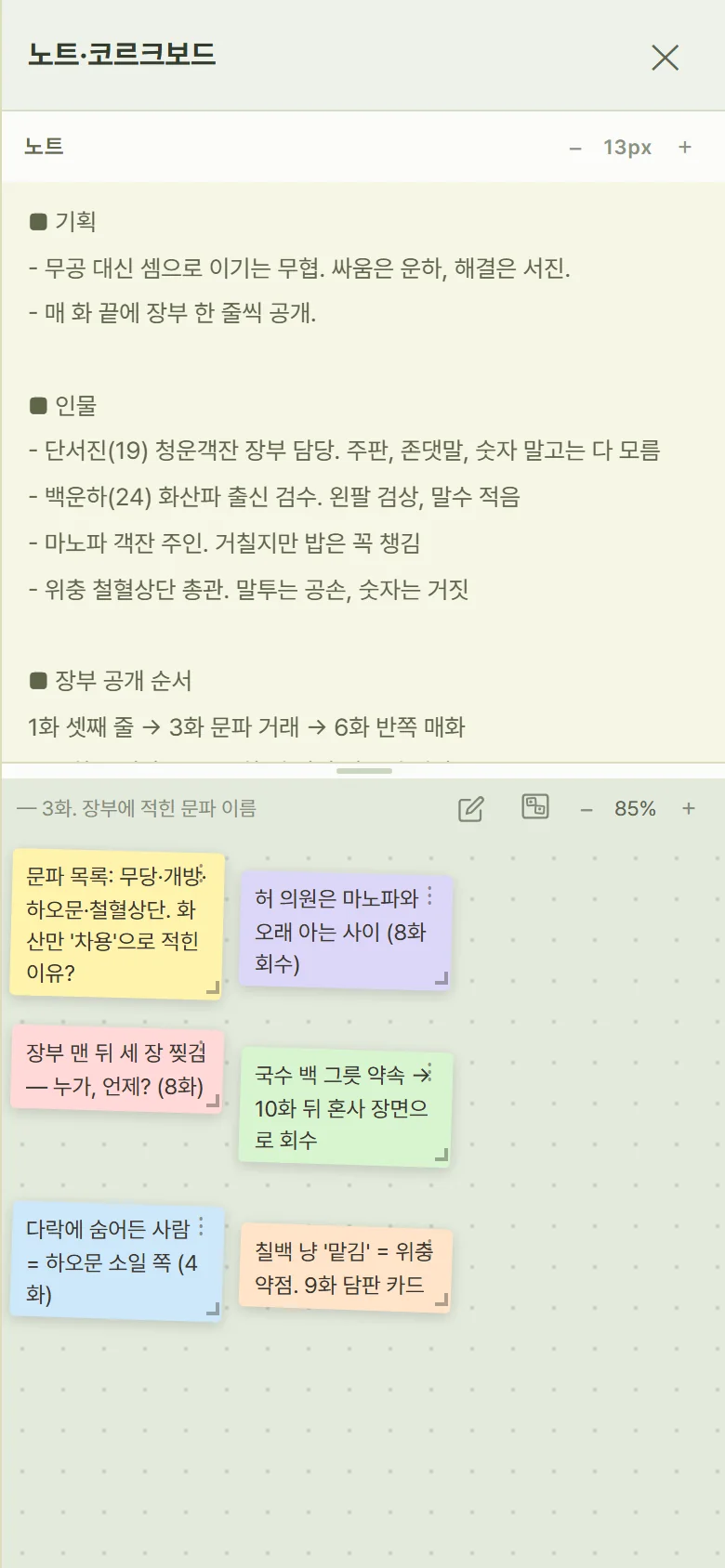
- NotesA place for the plan and the cast of the whole work
Events, in the order
they happened.
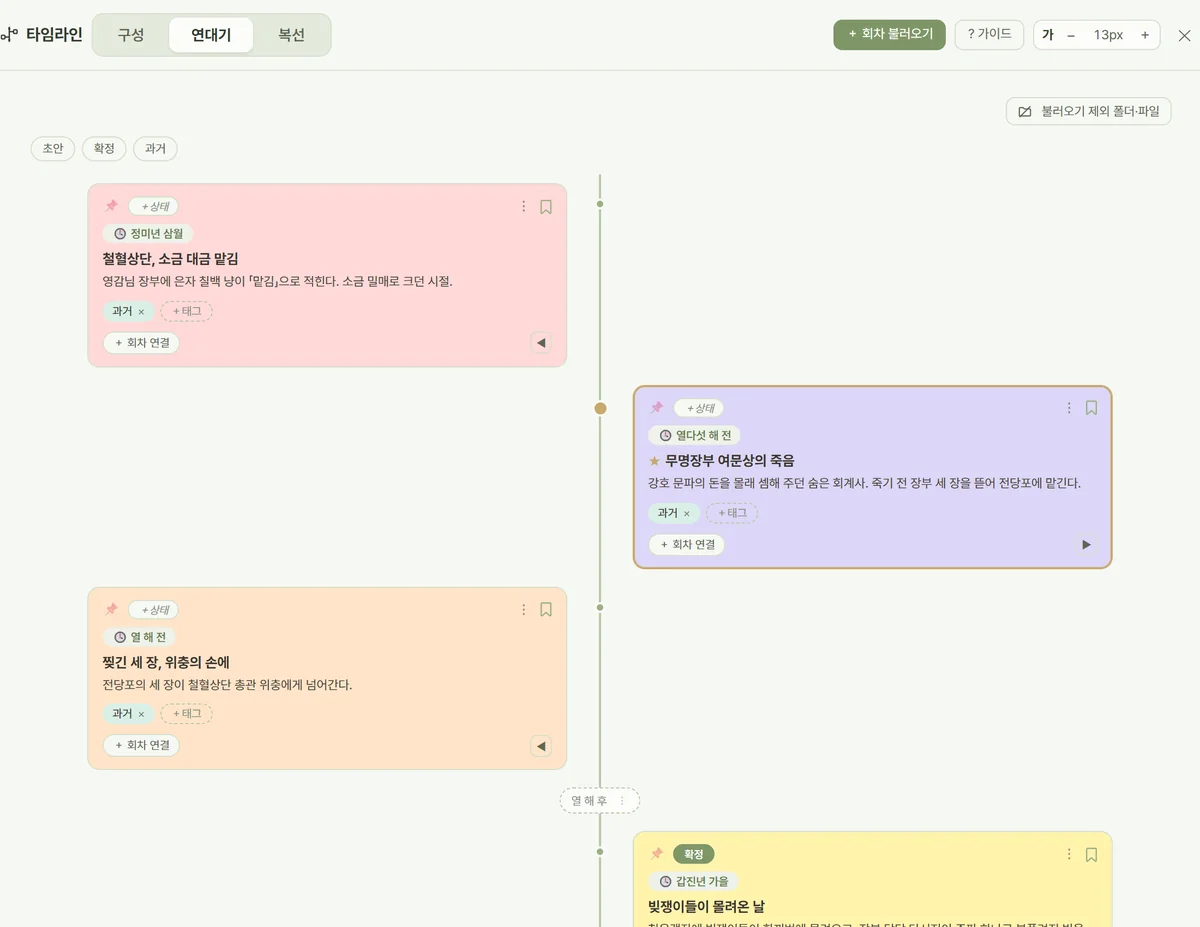
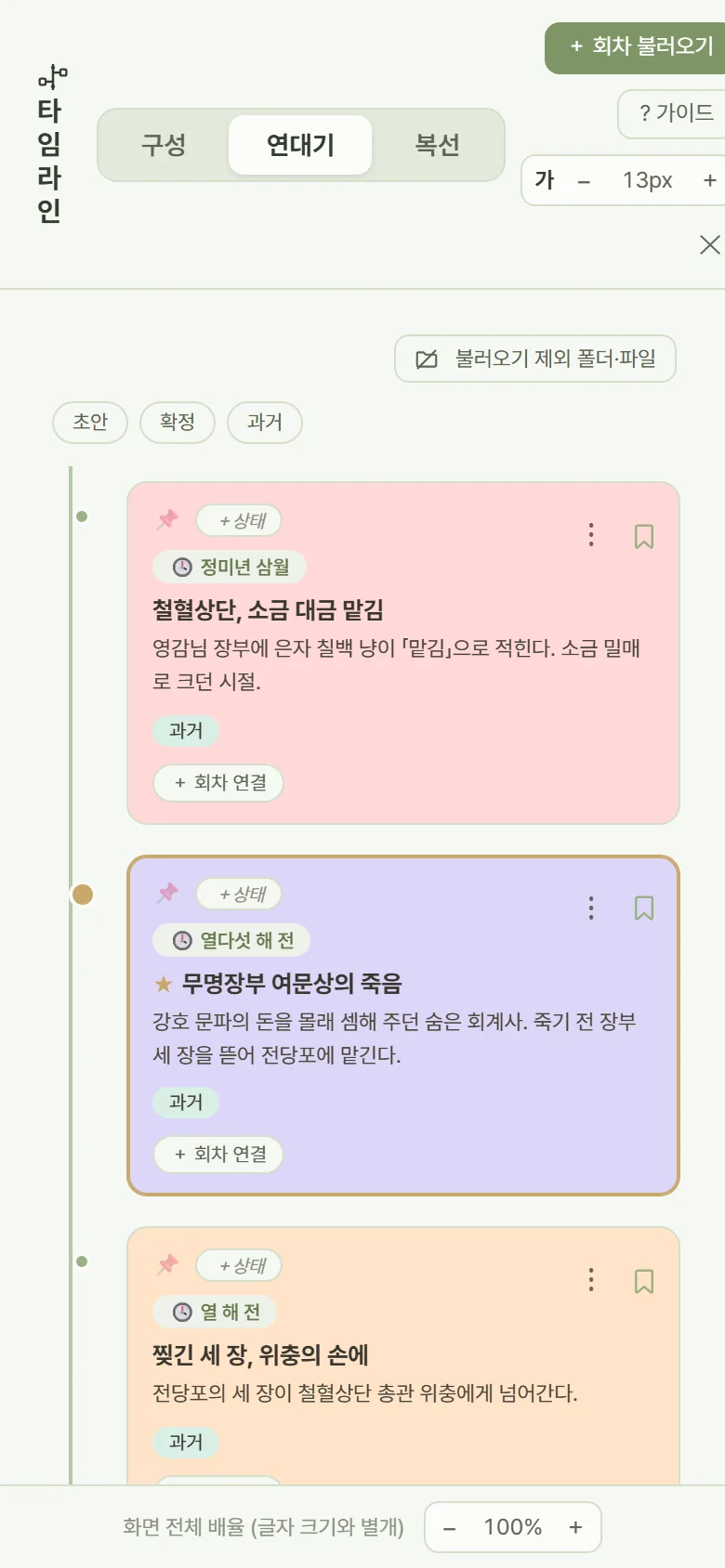
Episode order isn't story time. Line up past events and episodes on a single chronology, and mark the time gaps and where your serial is right now.
- ChronologyEvent cards, time gaps, key events, draft and final status
- Linked to episodesAn event linked to an episode is edited together with that episode's synopsis
- StructureWork, folder and episode synopses as cards, all at a glance
Highlighted lines
become foreshadowing.
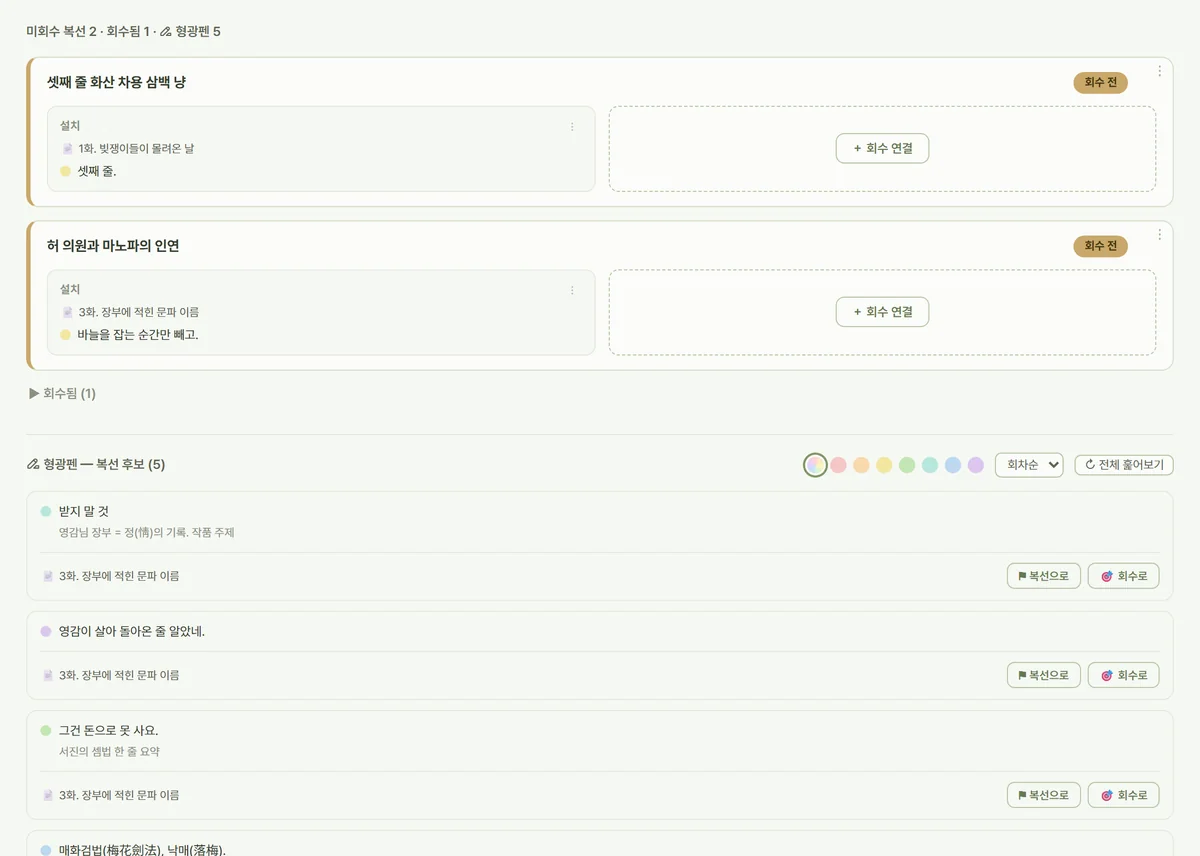
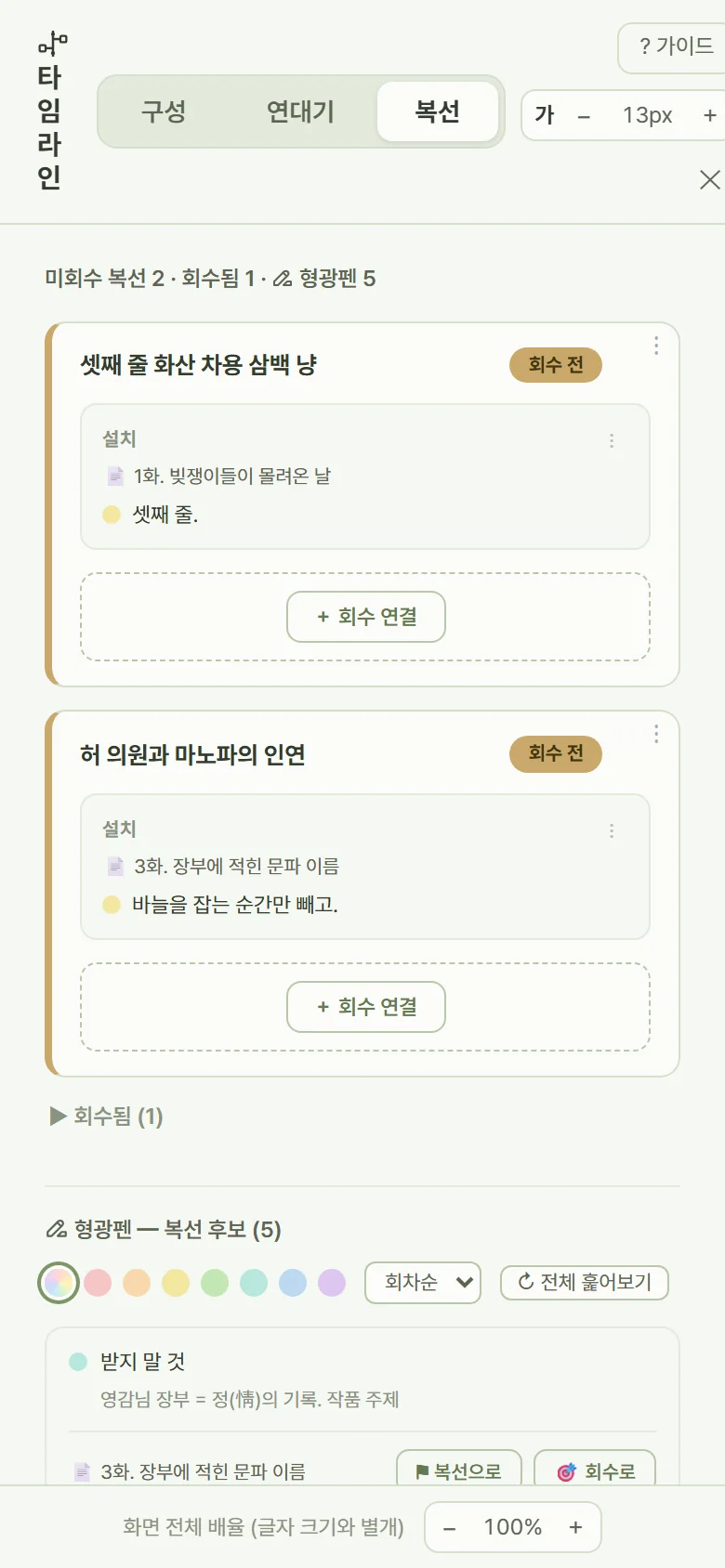
Highlight lines in your manuscript in seven colors and attach notes. Gather highlights from the whole work, and pair two lines to track foreshadowing and its payoff.
- All highlightsEvery episode's highlights, sorted by color
- ForeshadowingLink the setup line to the payoff line, and keep unresolved threads in their own list
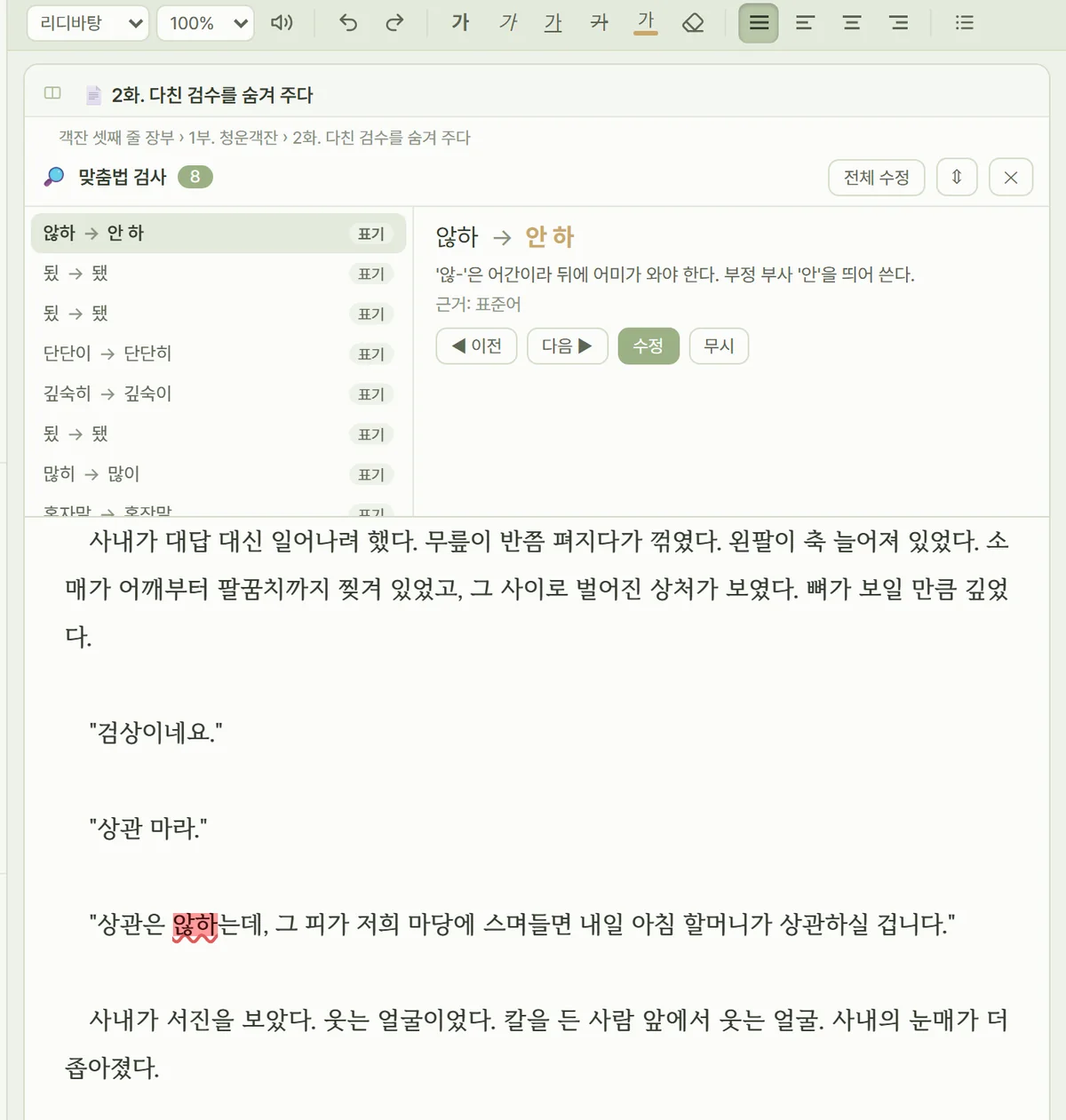
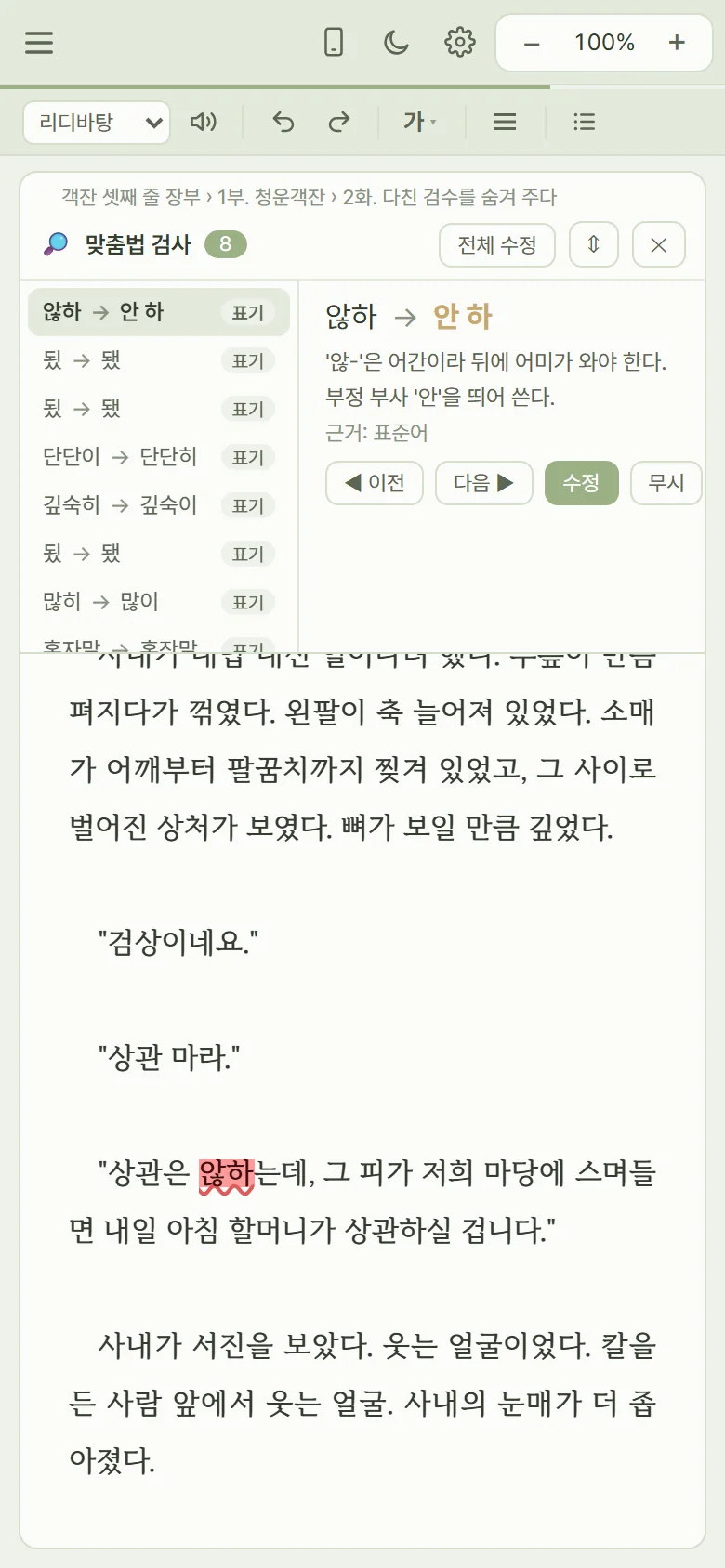
A spell checker that knows
web novel style.
668 rules tuned for web novels, plus a Korean dictionary, catch particles and spacing. The check runs on your own device — your manuscript is never sent to AI or outside servers.
Exactly the formats
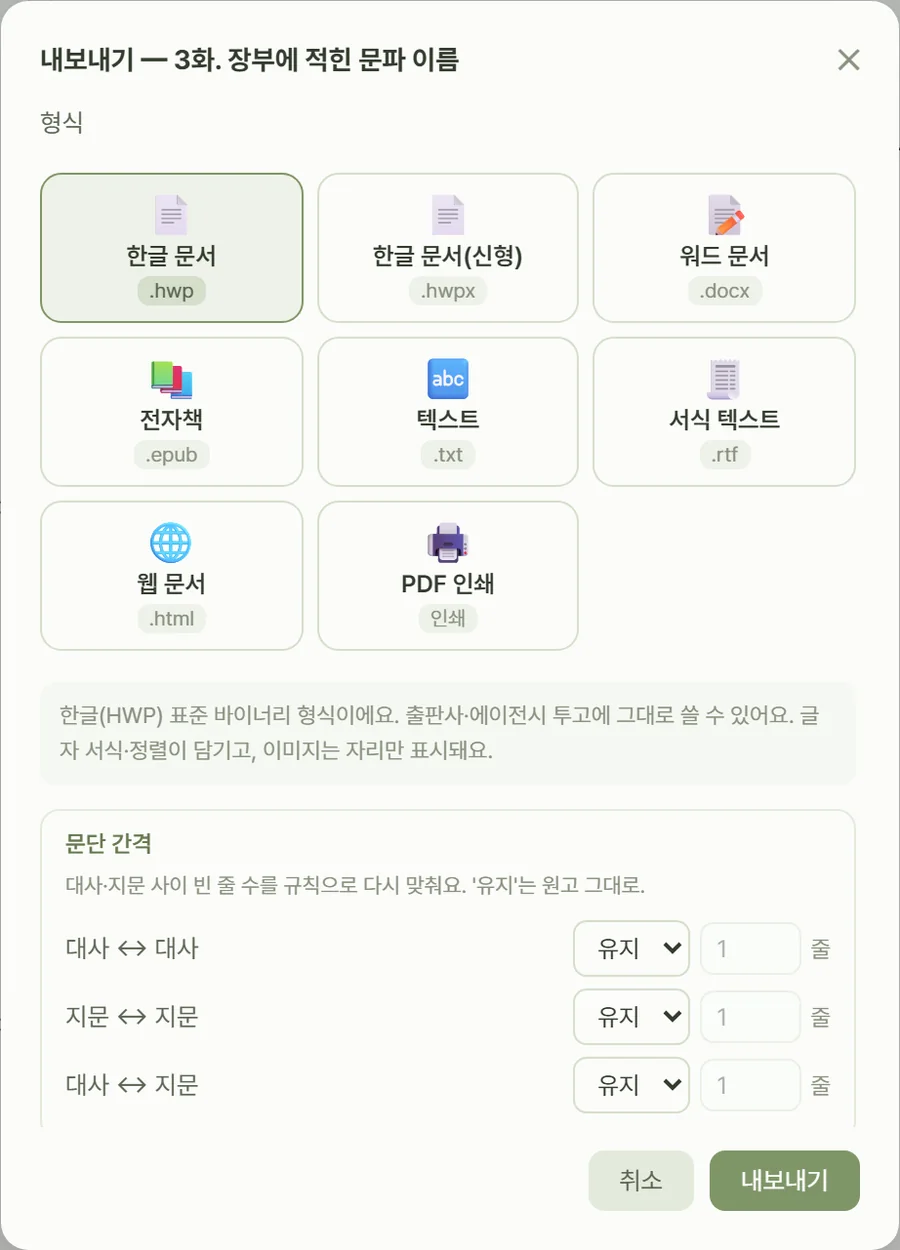
you submit in.
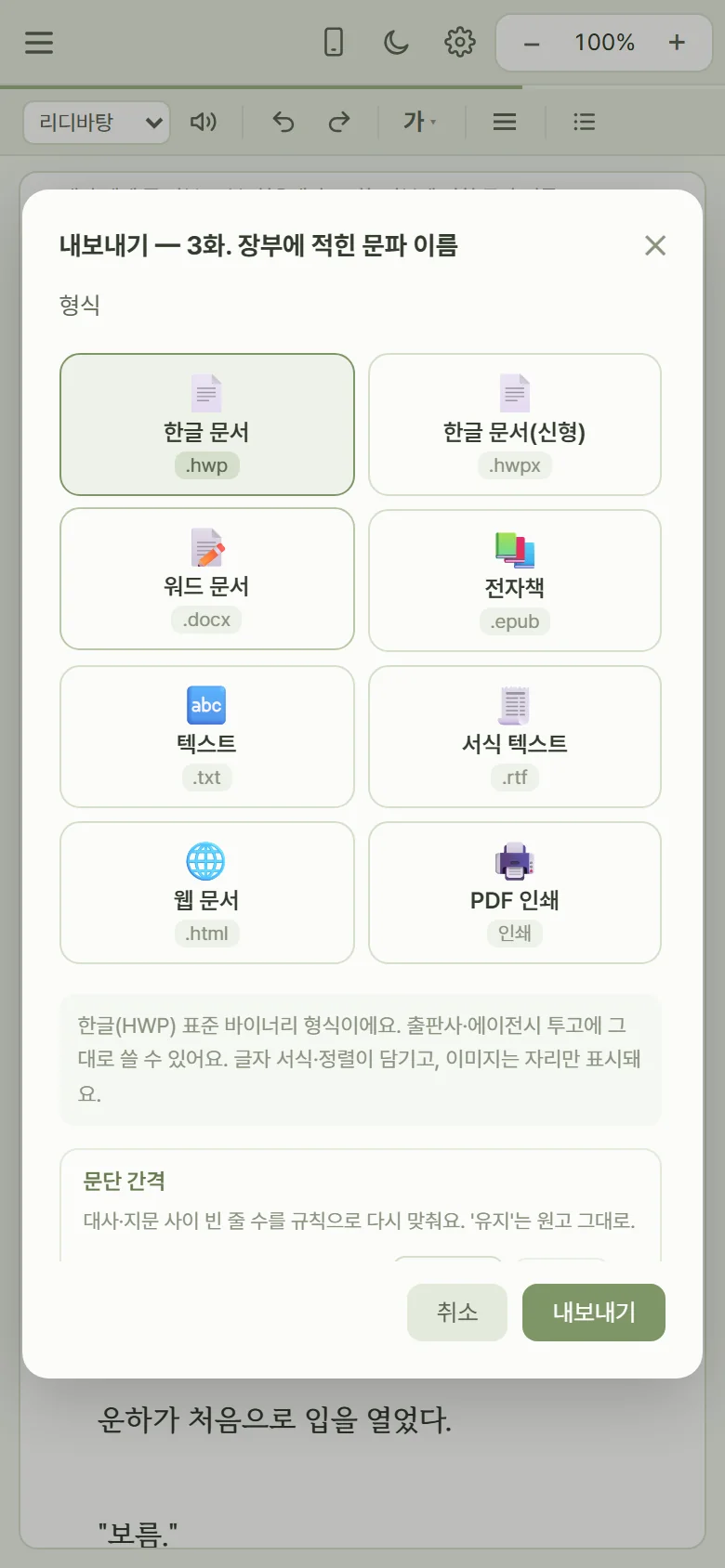
Export straight to the formats Korean publishers and contests accept. Even HWP files (Hangul, Korea's standard word processor) are created without any other software.
- DocumentsHangul (.hwp · .hwpx) · Word (.docx) · PDF · RTF
- E-booksEPUB, cover image included
- And moreHTML · plain text, with the episodes you pick, all at once
The line you wrote at your desk,
continued on the subway.
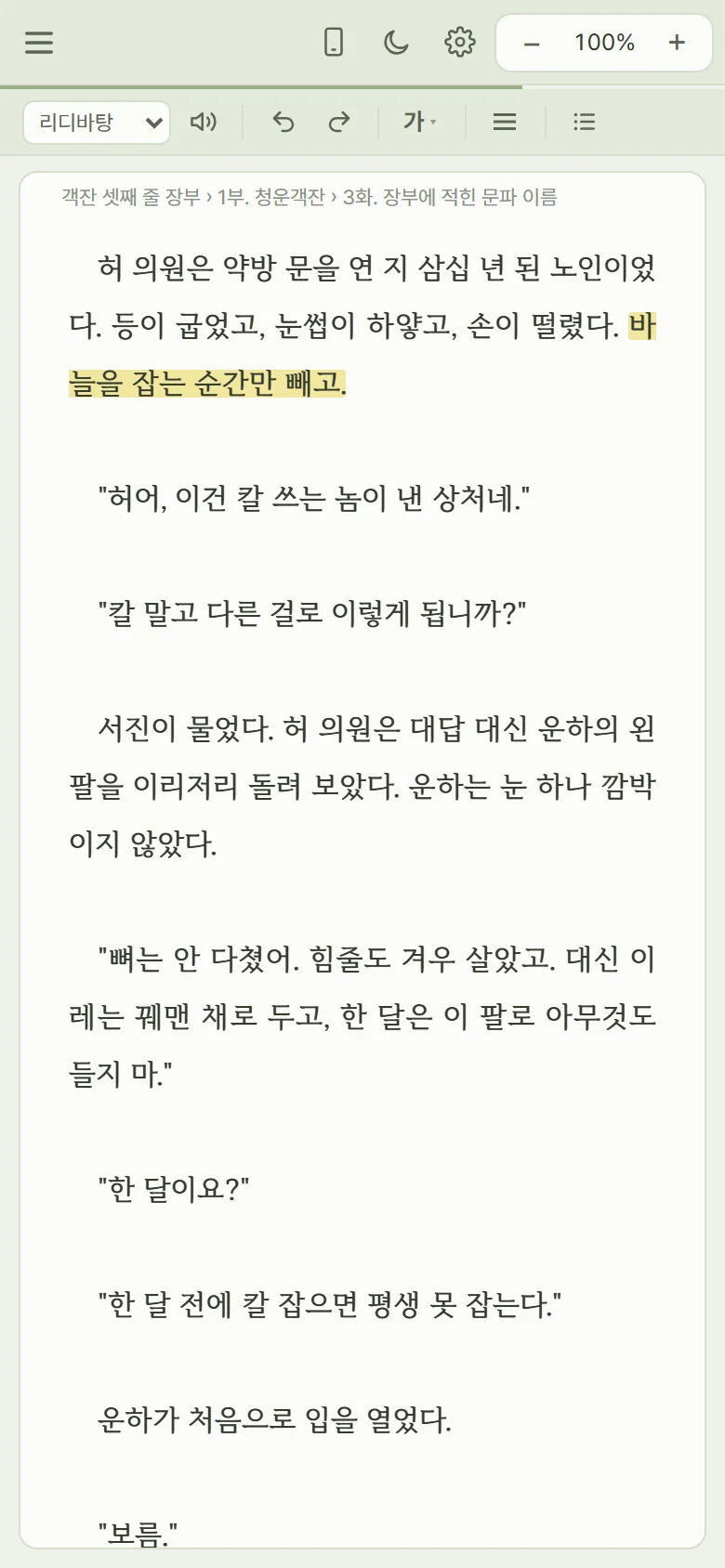
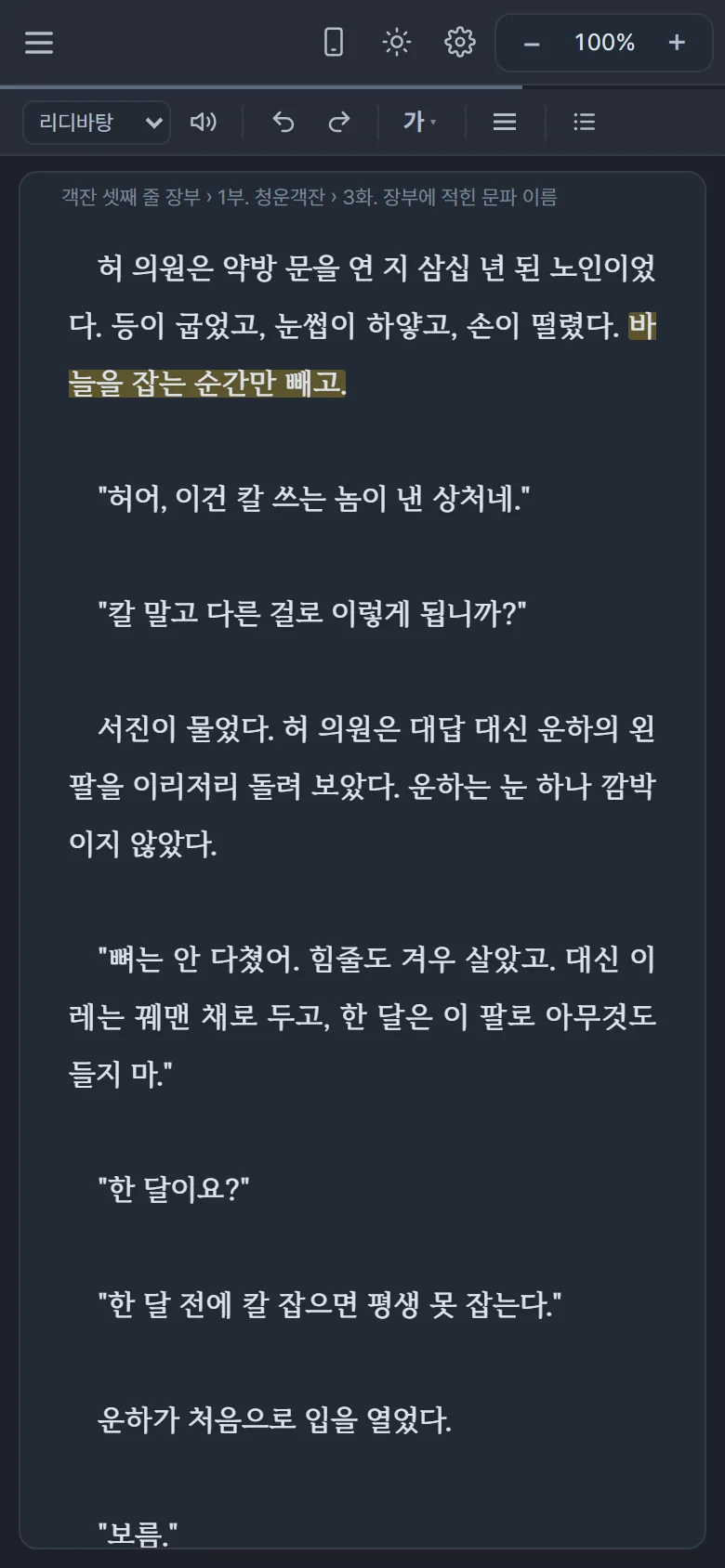
There's a screen made just for phones: an episode word-count progress line, a mobile preview, and an editor that doesn't stall even on long manuscripts. Sign in with the same Google account and every device shows the same work.
No lost words.
Safe saving comes before any feature.
Every change is kept as a draft on your device first, then uploaded to Drive. If the connection drops for a moment, your sentences stay.
Your manuscript is archived automatically as you revise. Preview past versions and roll back to the moment you want.
Deleted episodes and folders wait in the trash, ready to be restored right where they were.
If the same episode was edited on two devices, nothing is merged behind your back — you choose which version of each paragraph to keep.
A password lock and signed-in device management, so even a shared computer is safe.
Manuscripts stay in Drive as .md files you can open with other tools, with or without the service.
A screen you'll sit with
for hours.
35 themes and dark mode, a different font for each panel, and your own fonts too. Tune the screen you face for hours a day to your eyes.
Your manuscript is yours.
Manuscripts are saved only in the writer's own Google Drive and devices. StorySeed asks for a single permission — to read and write only the Drive files it created — and StoryCrew's servers neither store nor view your manuscript.
How to start.
Nothing to install — just open storyseed.app. You can add it to your home screen like an app, and there's an installable desktop version too.
Connect the Drive where your manuscript will live. StorySeed asks for one permission: to handle only the files it creates.
Register your 16-character code once and use it on every device with the same account. No monthly subscription — it's yours to keep.
Frequently asked questions.
Is it a subscription?
No. Once you register a license, you keep using it with no monthly subscription or renewal payments.
Which devices does it run on?
PCs, tablets and phones with an up-to-date browser. Sign in with the same Google account to move between devices as you write. There's also a desktop version you can install on your computer.
What happens if I lose my connection?
What you write is kept on your device first, so a brief drop won't lose anything. It's uploaded to Drive once you're back online. You do need a connection to open a work for the first time or to pull in changes from another device.
Can anyone else see my manuscript?
Your manuscript is saved only in your Google Drive, and StoryCrew's servers never store or view it. Spell checking also happens on your device.
Can I move to another program later?
Yes. Your manuscript stays in Drive in a standard format (.md), and you can export to Hangul, Word, EPUB and more at any time.
Is it available in English?
StorySeed's interface and its spelling and spacing checks are made for Korean web novels. You can write in any language, but the app itself is in Korean.
How does it connect to CommentFactory?
CommentFactory can import a whole StorySeed work through Drive, so virtual readers and PDs can read it first. Your manuscript is only read during the import, never changed.